Raoul Dobal · 21 October 2026
A business trip without the laptop
What happened when I took a phone and an AI minion on a business trip, left the laptop at home, and took the meeting follow-up for a walk.

How many meetings have you been in where you unpack your laptop, open it and then only use it right at the end to arrange the next meeting?
I was curious how far I could get on a business trip without one, working mainly through voice. I also liked the Captain Kirk idea of heading off to strange new worlds with a communicator and a tricorder. If he can do it, maybe I could manage a few meetings. As a knowledge worker, what did I actually need to take along to do my work?
I took my foldable phone with Wispr Flow and ChatGPT, a small reMarkable for notes, and my PLAUD recording device. The work was familiar: preparing for meetings, reviewing them afterwards, drafting summaries and action points, and communicating with colleagues. I wanted to see how much of that I could do while moving around, with access to my knowledge system and an AI assistant I could talk to.
Before leaving
One or two of my AI projects needed changes so they could run without my desktop and its local files. I sorted that out well before leaving. I had a reasonably clear idea of the work I wanted to do in the limited time available, which made it possible to prepare. Having an application on the phone was only part of it. The projects and information I needed also had to be available away from my desk.
I could also choose what to leave until I was back. That was a convenient part of the experiment, and it belongs in the account of why it worked. Some documents needed attention, but their deadlines allowed them to wait. I wasn't setting out to prove that every part of my work could be done on a phone.
From the morning messages to the meeting
The day started with emails and messages from the office on my phone, deciding what needed attention and what could wait. Then I prepared for the meeting, checking who would be there and bringing together the points I had collected in my notes. I gave instructions to my AI minion by voice, but sometimes read the responses because it was quicker. Some tables were easier to read on the screen too.
I had the key discussion points sent to my reMarkable. After asking permission, I recorded the meeting with PLAUD, occasionally tapping it to mark a new topic or something I wanted to revisit. Afterwards, PLAUD processed the recording into usable notes, which went into my knowledge system.
It does get some unusual looks when you arrive at a meeting without whipping out a laptop. But I had my discussion points in front of me and a way to return to what we had talked about afterwards.
Taking the follow-up for a walk
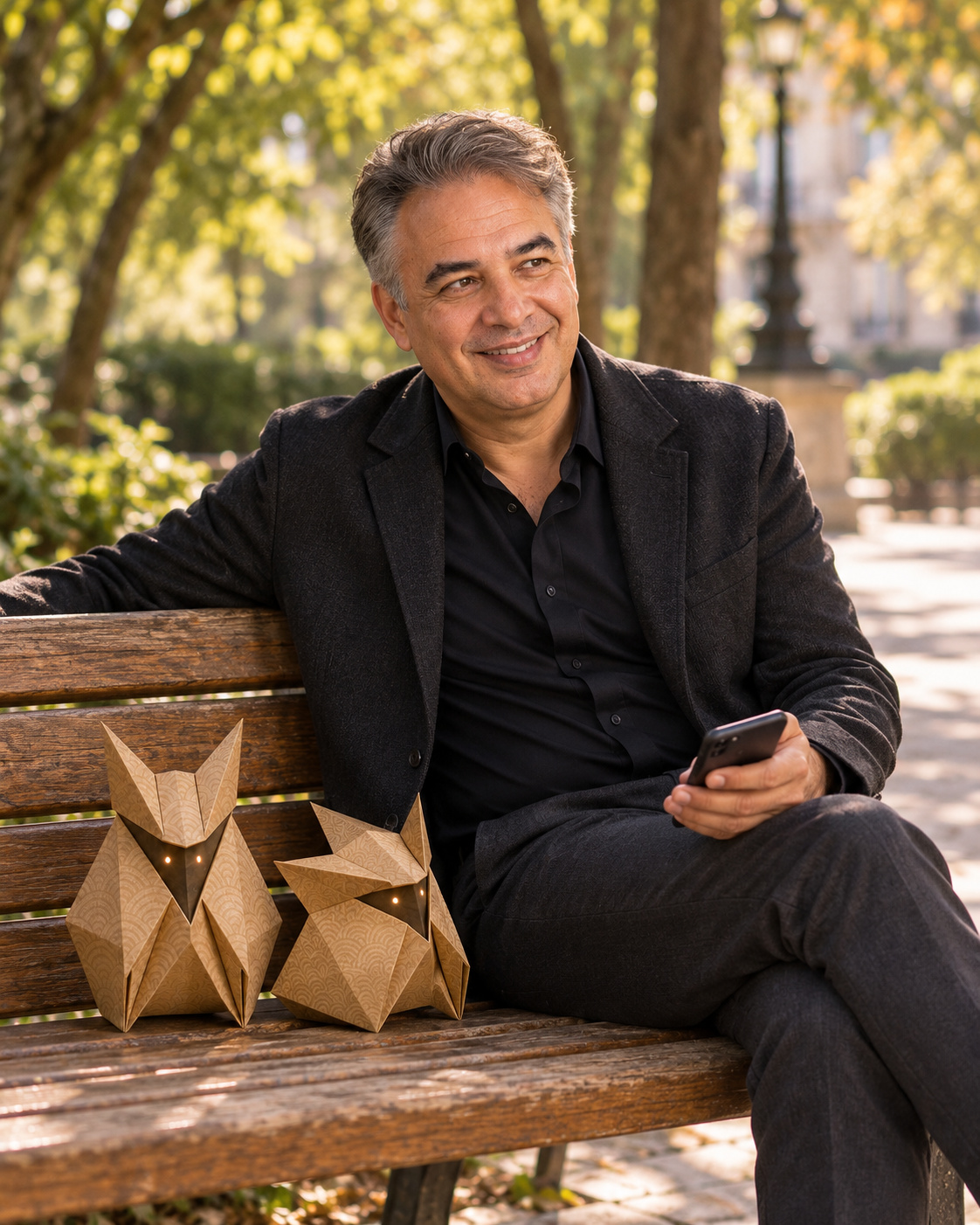
With some time before dinner, I went looking for a coffee shop and discovered a park. While walking, I asked my minion to bring up the meeting and its action points. I talked through what I expected from each action and what the deliverables should be, in more detail than we had discussed in the meeting.
Who might be best placed to do the task? What would that person need to know? I added the details and side notes that would help when we discussed the work with my team back home. I then had that sent to my task management system for later discussion and distribution within the team.
As I worked through it, I realised that a few things were still unclear. There were questions I hadn't asked in the meeting. Fortunately, I was having dinner with the same people that evening. I asked my minion to collect the questions and remind me before dinner, so they appeared as a notification on my phone.
That gave me a chance to clarify them before I went home. It saved me follow-up calls, explanations and emails before delegating the work. I kept the dinner answers in my head and brought them into the team briefing afterwards. I didn't record them during the trip.
Sitting in a nice café with a laptop and headphones is already better than a hotel room, but walking about just does it for me and gets my brain running. I could think through the meeting while exploring the city, with my phone there when I needed it.
I didn't miss the laptop for that work. Without all the other applications and things I could additionally do, I found it easier to focus on the task I was actually working through, then enjoy the privilege of being able to work and spend time in a different environment.
The documents could wait
Working through a long Word document or PDF on a phone is not a joy, even with a reasonably sized foldable screen. For detailed review, I still prefer a large screen, a mouse and a keyboard. During the morning triage, I deliberately left that work for when I was back.
My first thought was that the format was the problem. If the same information came as a note or a simple text file, perhaps I could work through it more easily by voice. But thinking about a detailed contract review, I would probably still want the big screen. Changing the format would only get me so far.
The fact that those documents could wait matters when judging the experiment. I had prepared for the work I expected and could defer the part that suited my desk better. That gave me room to try a different approach without needing it to cover every task.
Before trying it yourself
I would work through a few questions before deciding what to pack:
- What actually needs to happen while you're away? Separate the work that needs attention during the trip from the work that can wait. Meeting preparation and follow-up worked for me. Detailed document reviews were something I chose to defer.
- What still depends on your desktop? Check the projects and files you expect to use. I made the necessary changes before leaving, so access wasn't a problem I had to solve on the trip.
- What would you still want to handle directly? Imagine a personal assistant beside you throughout the trip, in every meeting and every situation. You can talk things through and ask for the information you need. What work would still make you want to sit down with a screen, keyboard and mouse?
- Which habits are you willing to reconsider? Giving an instruction by voice, reading the response and talking through the next step was a workable mixture for me. You don't have to use the same method for every part of a task.
Established workflows, including our own personal habits, need a bit of rethinking in an experiment like this. Can I do something differently? What would change if I did? It might not even be better, just different, and worth trying long enough to find out.
There is a little courage involved in leaving familiar equipment behind. For a similar trip, I would definitely leave the laptop at home again. I liked being able to walk through a city and work through my thoughts, with enough preparation to know which work could come with me and which could wait until I was back.